Claude Usage Limits Best Practices: How to Stop Burning Through Your Quota
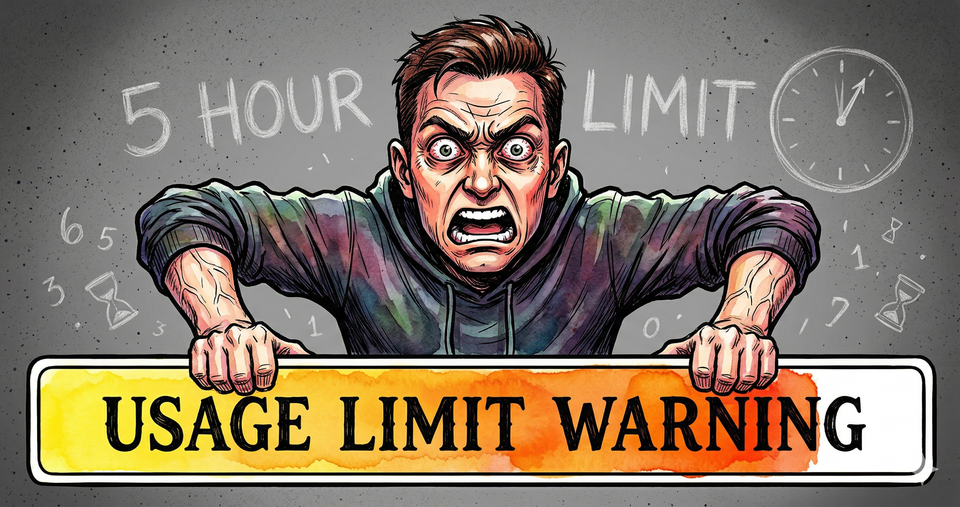
If you're burning through your Claude usage limits faster than before. If you're getting cut off mid-session and you have no idea why. You're not imagining it and you're not alone. Claude usage limits were throttled in late March. Things got worse days later.
Pro users got hit the hardest.
It's a perfect storm. Multiple factors are chewing through your tokens faster than ever, and on top of that, Anthropic dropped the amount of access you get during the five hour window.
Here's the good news.
There are best practices that actually work. Things you can do right now to reduce token spend without downgrading from Opus to Sonnet. Without worrying about what time of day you're using Claude. Without changing how you work.
But first, you need to understand what actually happened. Because until you see why this is happening, the fixes won't click.
On March 26, an Anthropic engineer named Thariq Shihipar posted on Reddit. Not the blog. Not a press release.
Reddit.
"To manage growing demand for Claude we're adjusting our five hour session limits for free/Pro/Max subs during peak hours. Your weekly limits remain unchanged."
Source: https://www.reddit.com/r/ClaudeAI/comments/anthropic_adjusts_usage_limits/
Translation.
The same 5-hour window you've always had now gives you less during the hours most people actually use it. That's 5am to 11am Pacific, Monday through Friday. Your weekly cap didn't change. But your ability to actually use Claude when you need it did.
Claude Pro Users Are Hit Hardest with Usage Limits
Anthropic said about 7% of users would notice.
That number is generous.
As mentioned, Pro users got hit the hardest. They're paying $20 a month and suddenly getting cut off mid-session during the exact hours they're trying to work. If you use Claude for anything more than casual chat during work hours, you felt it.
Five days later, it got worse. Anthropic posted again.
"People are hitting usage limits in Claude Code way faster than expected. We're actively investigating... it's the top priority for the team."
Source: https://www.theregister.com/2026/03/31/anthropic_claude_code_limits
So even Anthropic didn't expect how hard this would hit. But the throttle is only half the problem. There's something else draining your tokens that Anthropic didn't cause. And most people have no idea it's happening.
Why Claude Usage Limits Changed in 2026
Remember the mass exodus from ChatGPT? All those people migrated to Claude. Anthropic couldn't keep up, so they squeezed the 5-hour window. Then a caching bug made every message cost 10 to 20 times more than it should have.
More people. Less access. A bug on top.
That explains why Anthropic tightened things. But there's a third factor nobody's talking about. And this one is on you.
How a Recent Claude Update Made Usage Limits Worse
A few months ago, Anthropic made Claude dramatically smarter. They 5x'd how much Claude can hold in its head during a single conversation.
Huge upgrade.
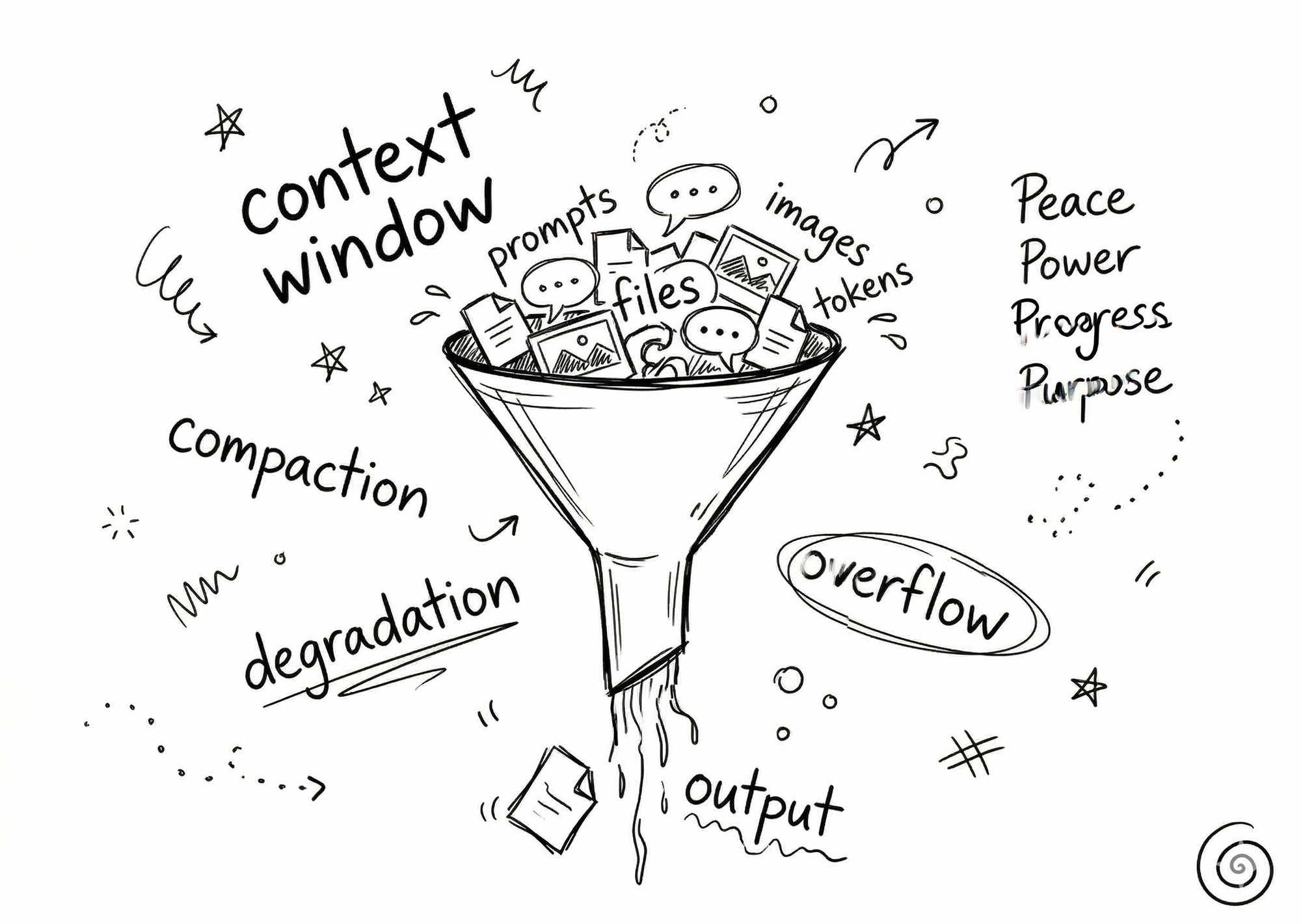
This is called the context window. It's basically how much Claude can handle and process in one session. Previously it was 200,000 tokens. Now it's 1 million. That means you can stay in one chat session way longer before you hit the ceiling.
But here's the problem.
Every word going back and forth between you and Claude, every message, every response, every file, Claude has to process all of it. Every single turn. It doesn't just read your latest message. It re-reads the entire conversation from the top. So the longer you stay in one session, the more tokens each message costs.
By turn 10, you've burned 5.5x more tokens than if you'd asked those same 10 questions in fresh sessions.
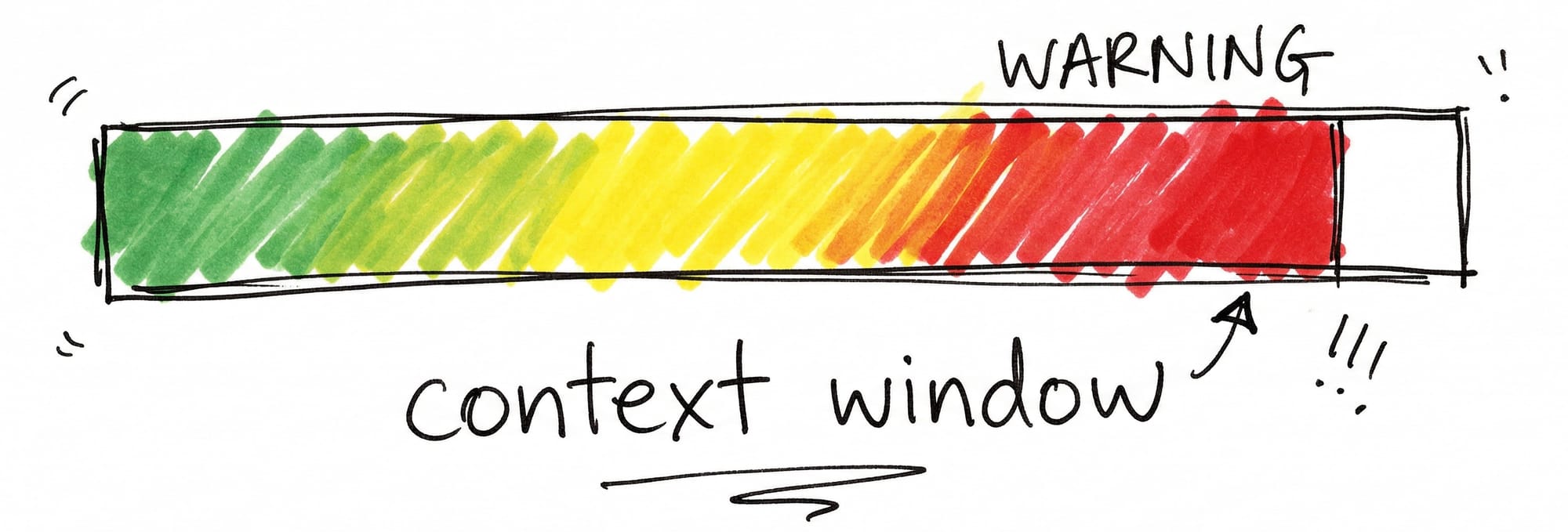
The bigger context window means you can stay longer. But staying longer is exactly what's killing your quota.
You know why it's happening now. The fix is almost stupidly simple.
How to Use Less Tokens in Claude
Here's the good news. You don't have to change much.
First.
The 5-hour token reduction only hits during peak hours.
That's 5am to 11am Pacific, Monday through Friday.
Outside those hours, your limits are what they've always been.
Second.
You can switch from Opus to Sonnet.
That alone can cut your token spend roughly in half. Sonnet handles most tasks just fine.
But if you don't want to downgrade and you don't want to rearrange your schedule, it comes down to one thing. Managing the context window.
And there's a way to do it without even thinking about it.
How to Use Less Tokens in Claude (Best Practices)
Start new chat sessions more often.
That's it. That's the move.
When you start a new chat session you burn through fewer tokens AND you get better output from Claude. Less hallucinations. Less forgetting your instructions. Less of that thing where Claude starts going off the rails at the end of a long conversation. We've all been there.
Break your work up into smaller individual tasks. One task per session. When it's done, start fresh.
"But won't I lose all my context every time I start over?"
Nope. Not if you organize it right (read more about that here).
Manage the Context Window to Reduce Token Expenditure
I use two files. One I call my task list and the other I call my active task. These are simple text files (.md files) that help me manage my work and break things up into smaller sessions. I'll go deeper on this in a future article, but even just writing your tasks down and tackling them one per session will make a difference immediately.
If you're working in Claude Code, type /context and it'll give you detailed information on how many tokens you've burned. You're not guessing anymore. You can see exactly when it's time to start fresh.
Close
The people getting the most out of Claude aren't the ones paying the most. They're the ones who understand how it works.
Three things collided. Anthropic squeezed the 5-hour window. A caching bug inflated costs. And the bigger context window lets you stay in sessions long enough to drain your quota without realizing it.
The fix isn't to pay more or use less. It's to work in shorter sessions with clear tasks. That alone saves tokens and gives you better output.
Start there. Break your next big session into three smaller ones. You'll feel the difference immediately.
If you dig this, subscribe. I'm going deeper on the exact system I use to manage sessions, reduce token spend, and get better output every time.

Content strategist, author of Trust Funnel and Tube Ritual, and YouTube Silver Play Button recipient with over 25 years of experience helping creators build audiences online. He writes at FutureCreators.tv.


Member discussion